

All apps were installed using Droid-ify.
Hiding
 Hiding · Step 1
Get a GrapheneOS phone
 Hiding · Step 2
Install Mullvad
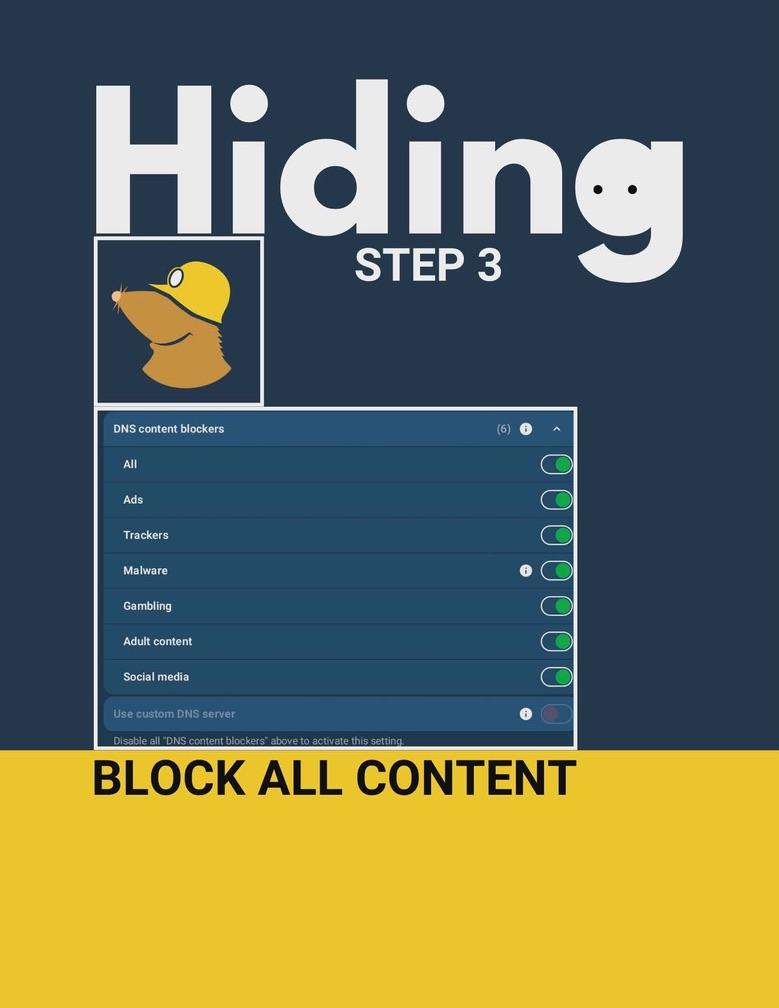 Hiding · Step 3
Block all content
In Mullvad's DNS content blockers, enable All: Ads, Trackers, Malware, Gambling, Adult content, and Social media.
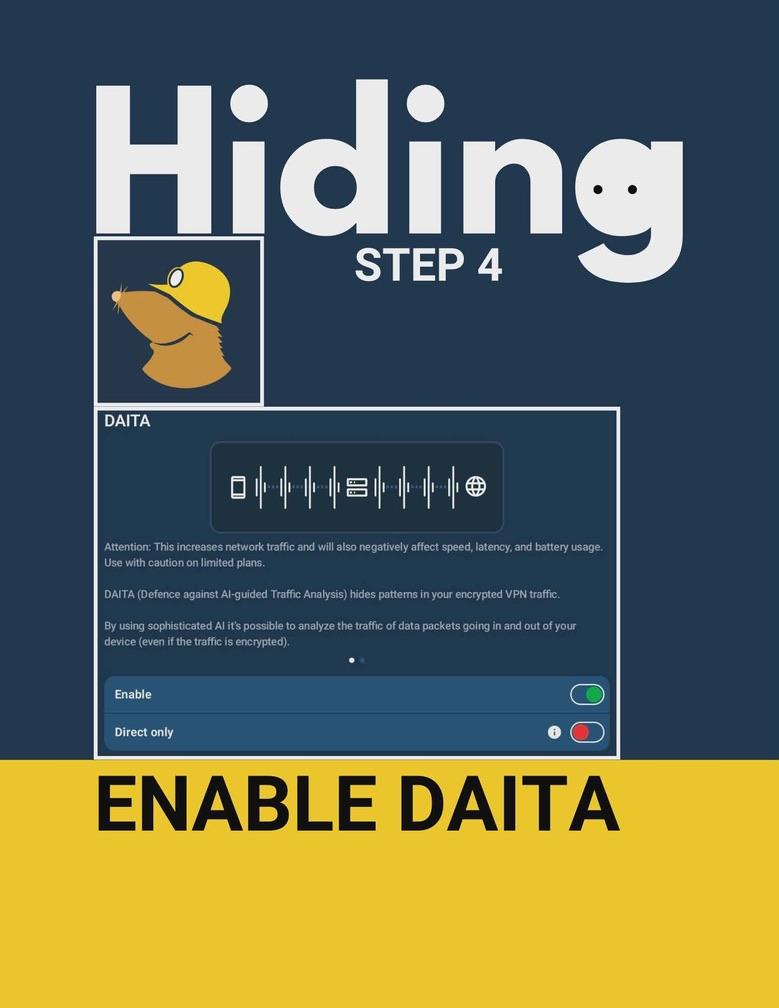 Hiding · Step 4
Enable DAITA
DAITA (Defence against AI-guided Traffic Analysis) hides patterns in your encrypted VPN traffic.
 Hiding · Step 5
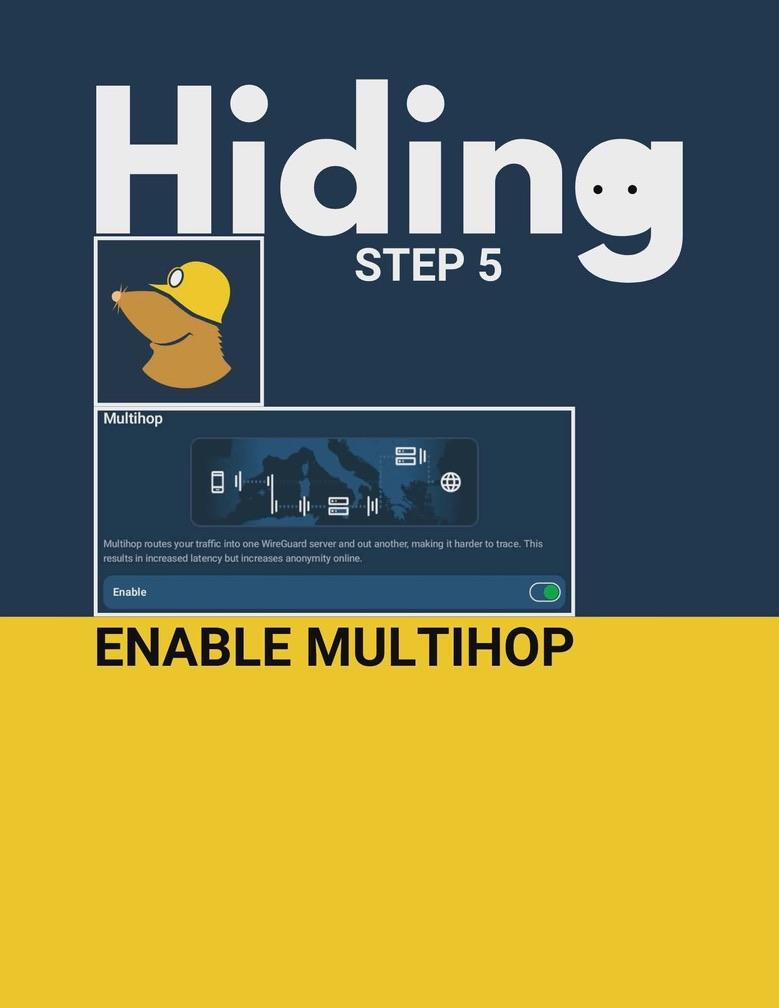
Enable Multihop
Multihop routes your traffic into one WireGuard server and out another, making it harder to trace.
 Hiding · Step 6
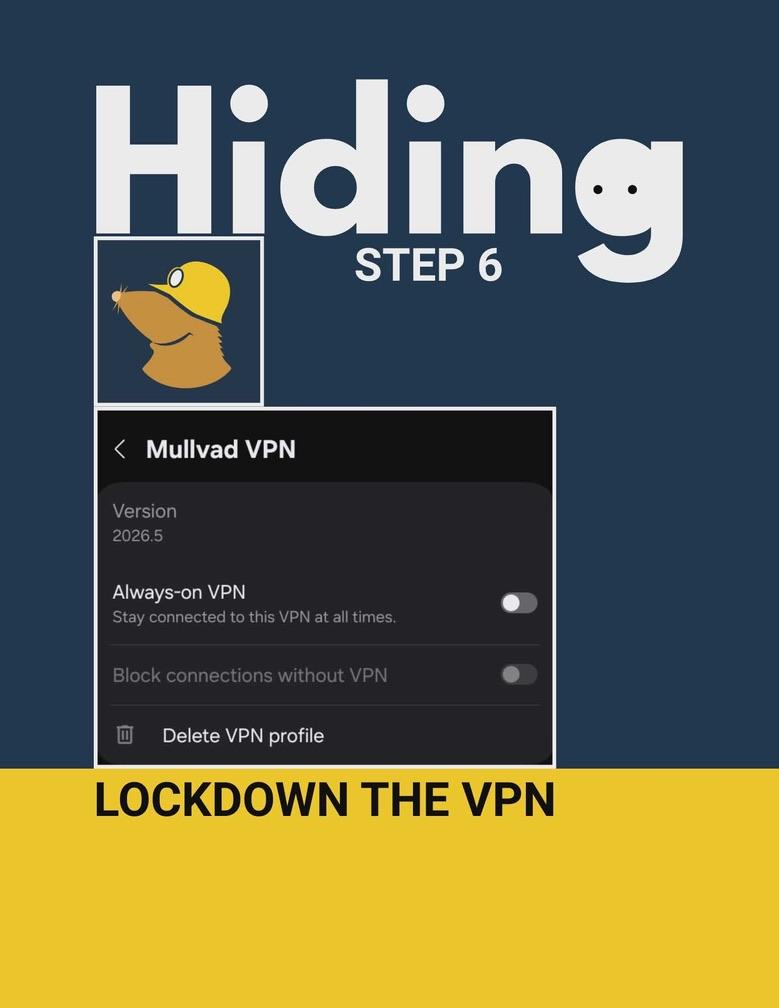
Lockdown the VPN
Enable Always-on VPN and Block connections without VPN.
 Hiding · Step 7
Install InviZible
 Hiding · Step 8
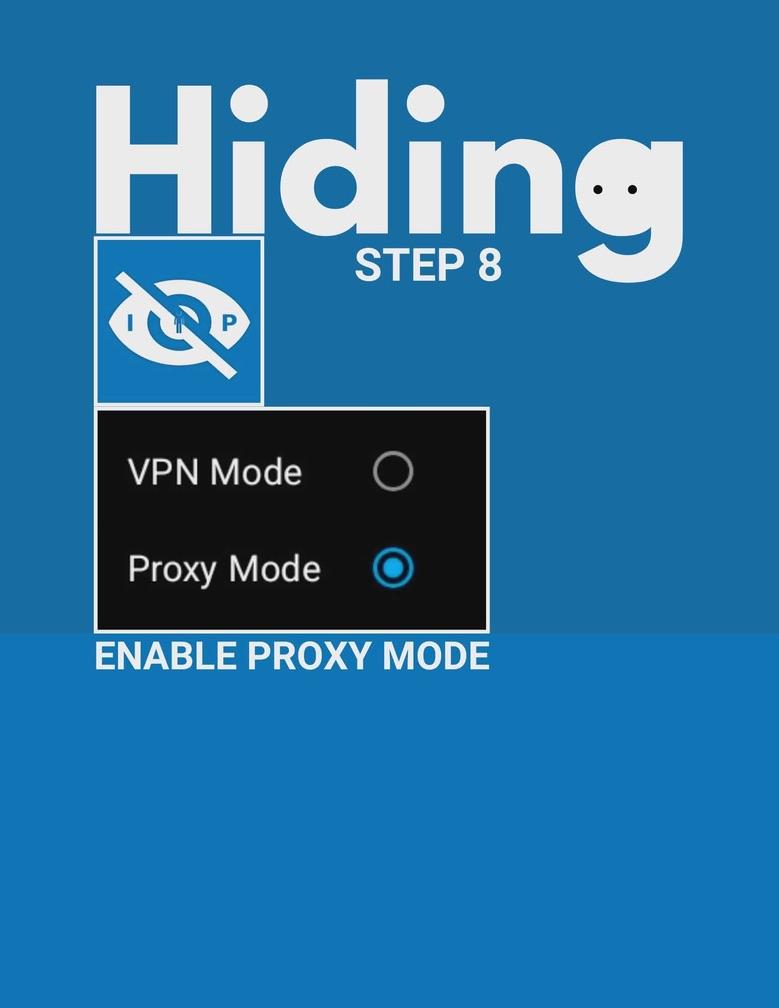
Enable Proxy Mode
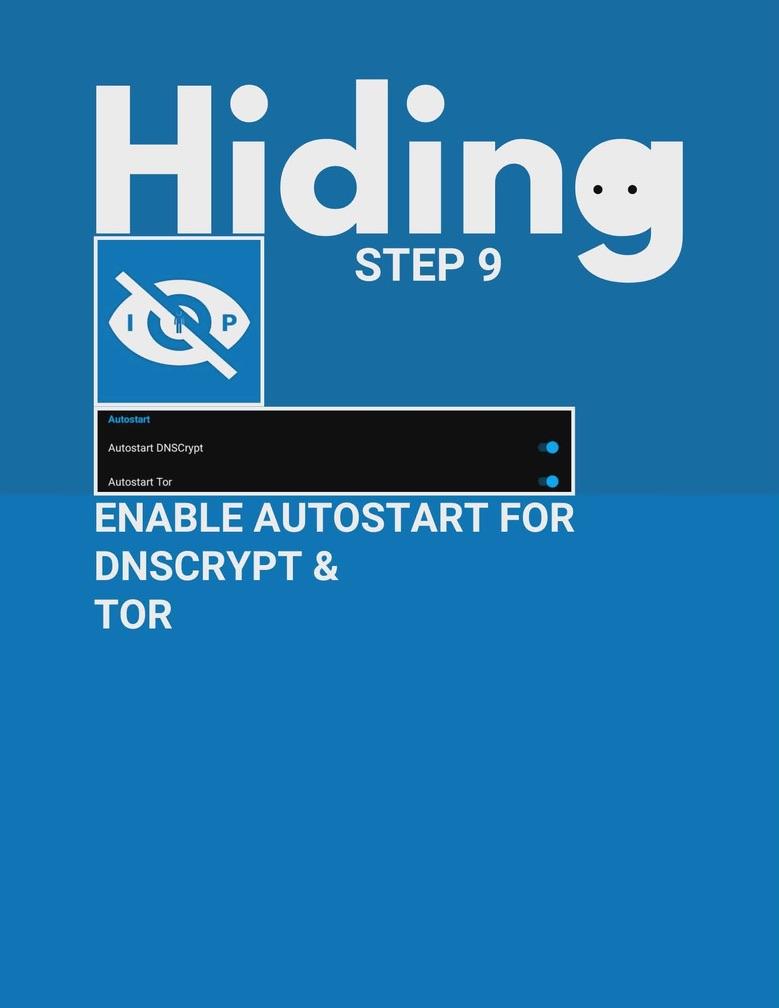 Hiding · Step 9
Enable Autostart for DNSCrypt & Tor
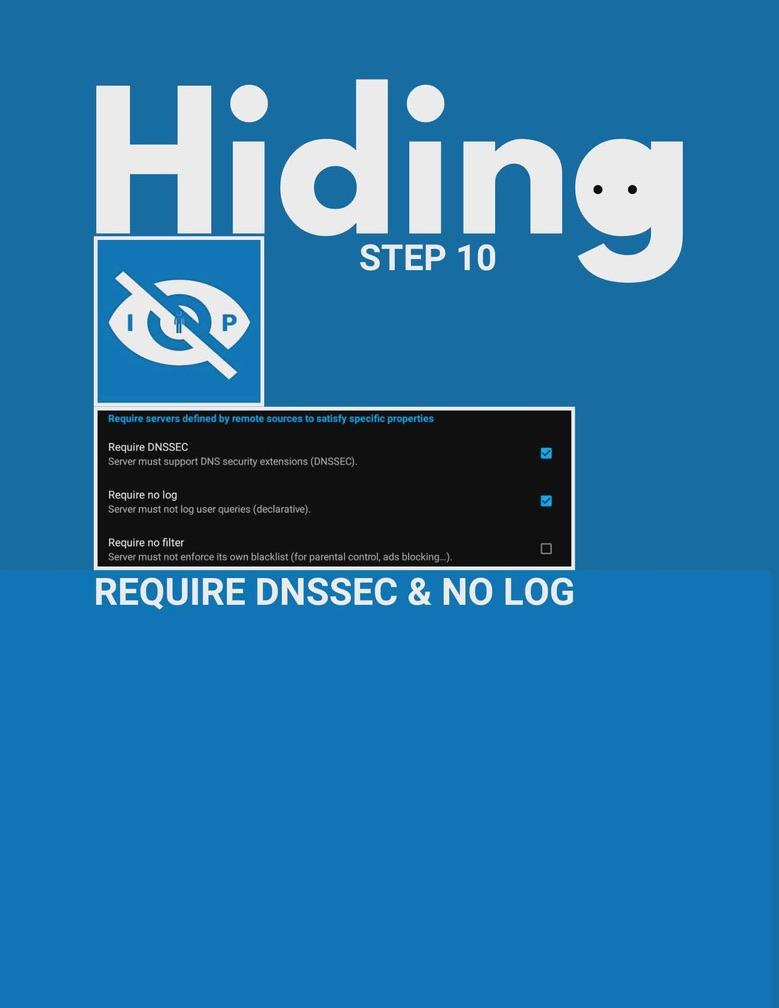 Hiding · Step 10
Require DNSSEC & no log
Require DNSSEC and no log; leave 'Require no filter' off.
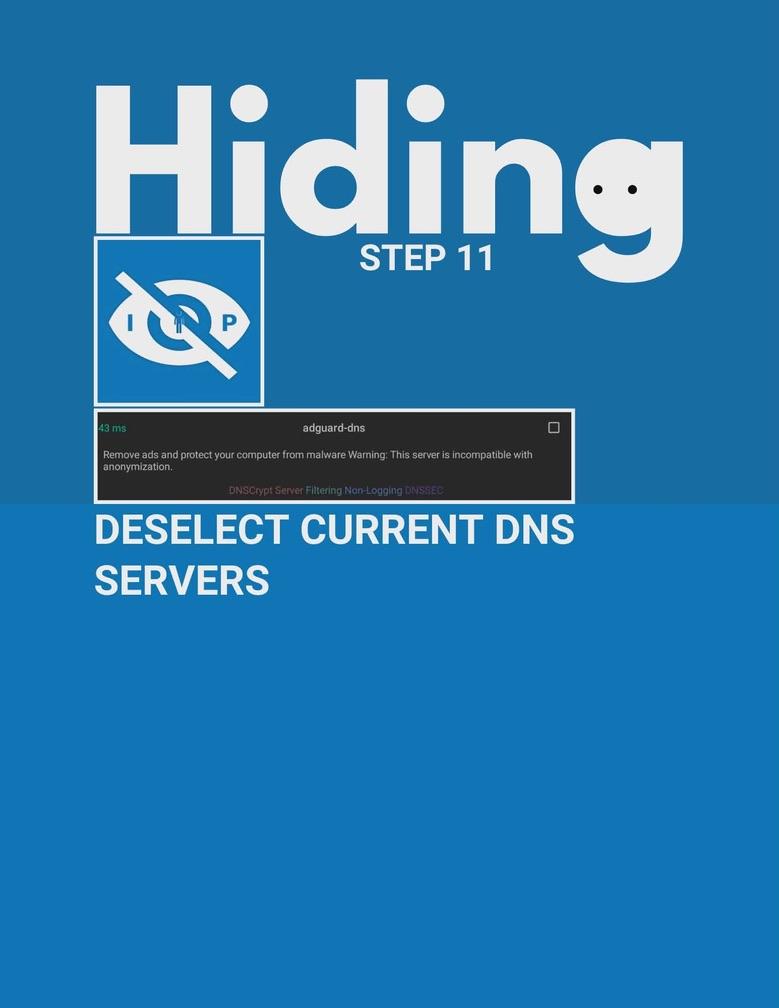 Hiding · Step 11
Deselect current DNS servers
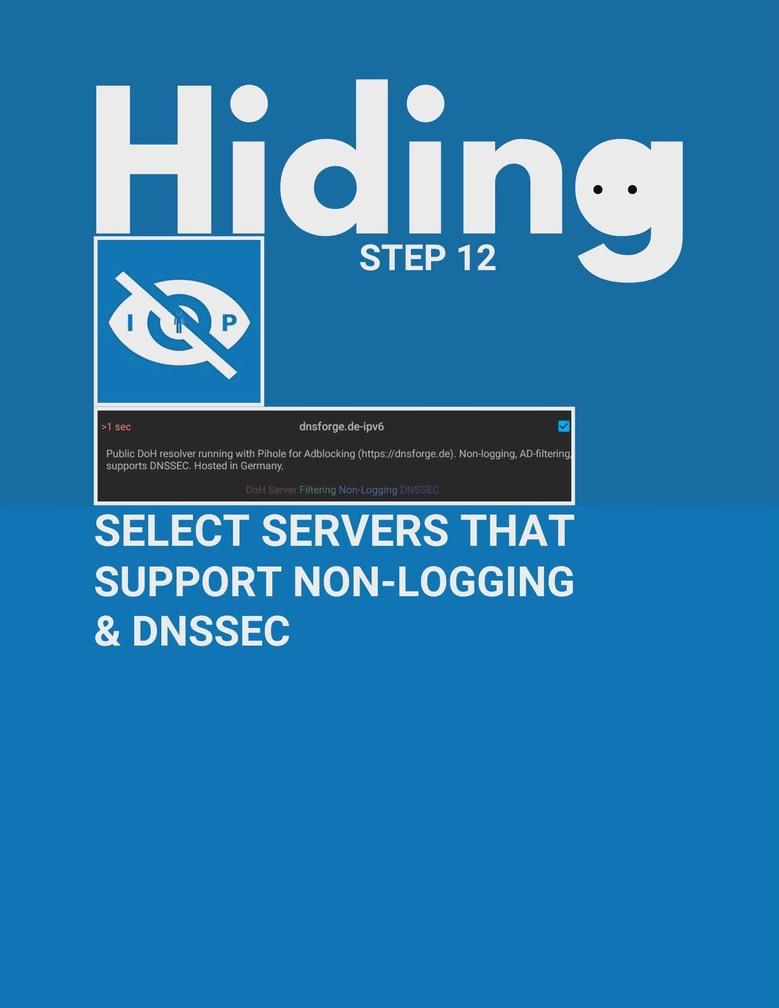 Hiding · Step 12
Select servers that support non-logging & DNSSEC
 Hiding · Step 13
Install Fauxx
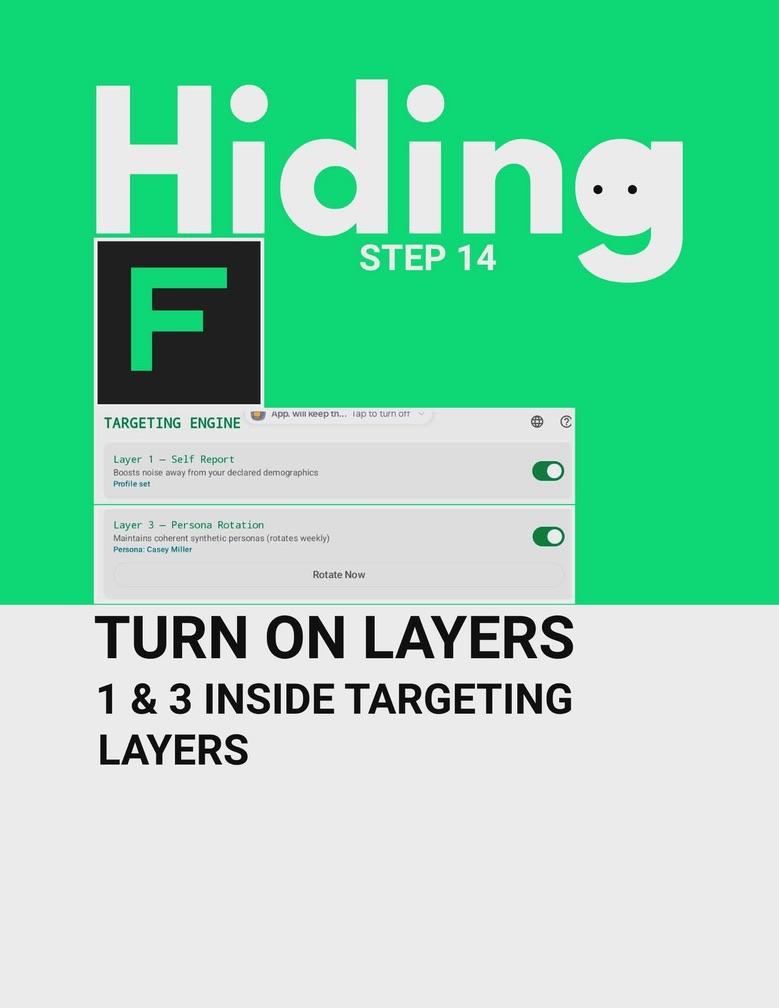 Hiding · Step 14
Turn on Layers 1 & 3 inside Targeting Layers
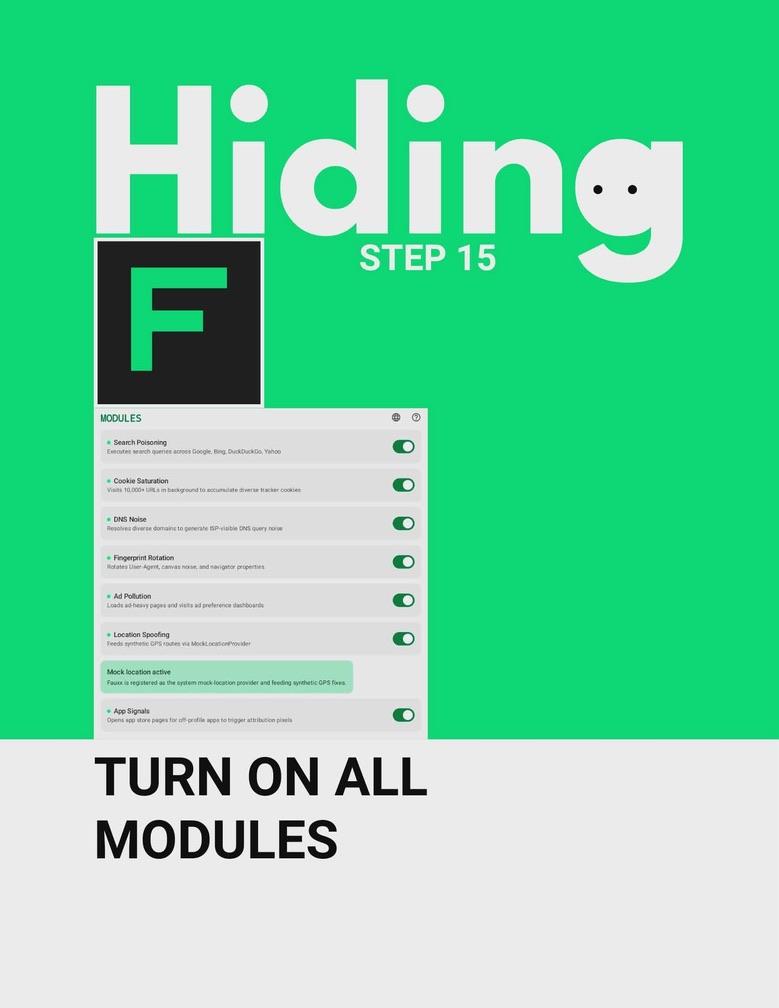 Hiding · Step 15
Turn on all modules
 Hiding · Step 16
Turn intensity to High
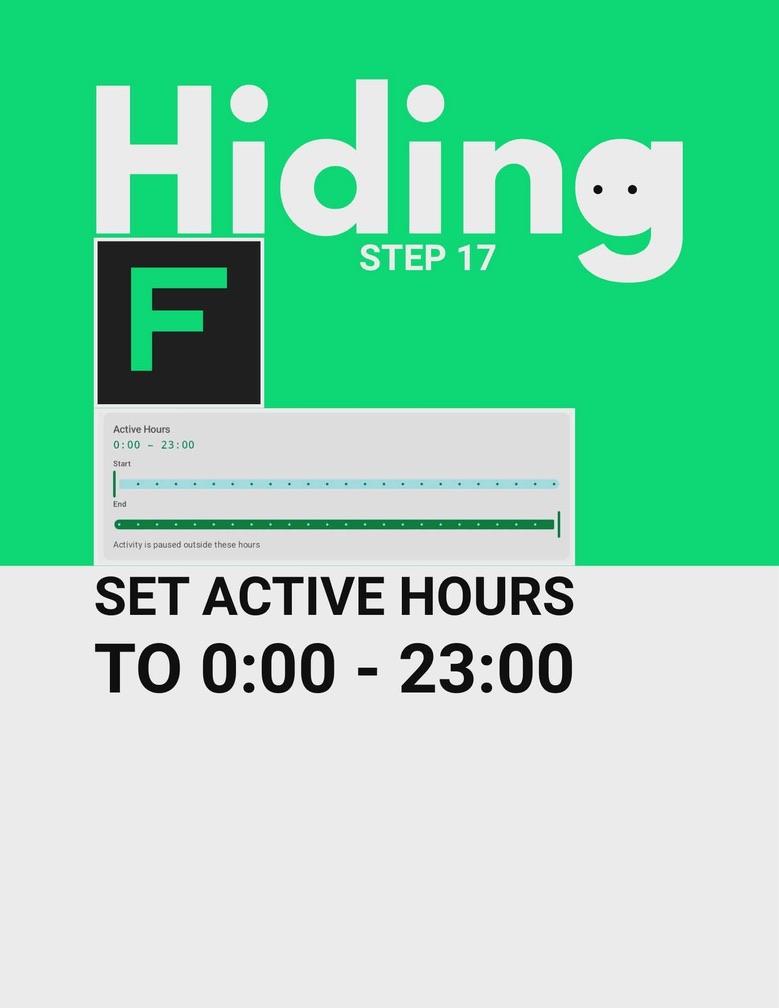 Hiding · Step 17
Set active hours to 0:00 - 23:00
 Hiding · Step 18
Install Fake Contacts
 Hiding · Step 19
Create Fake Contacts
Protection
 Protection · Step 1
Install Shizuku
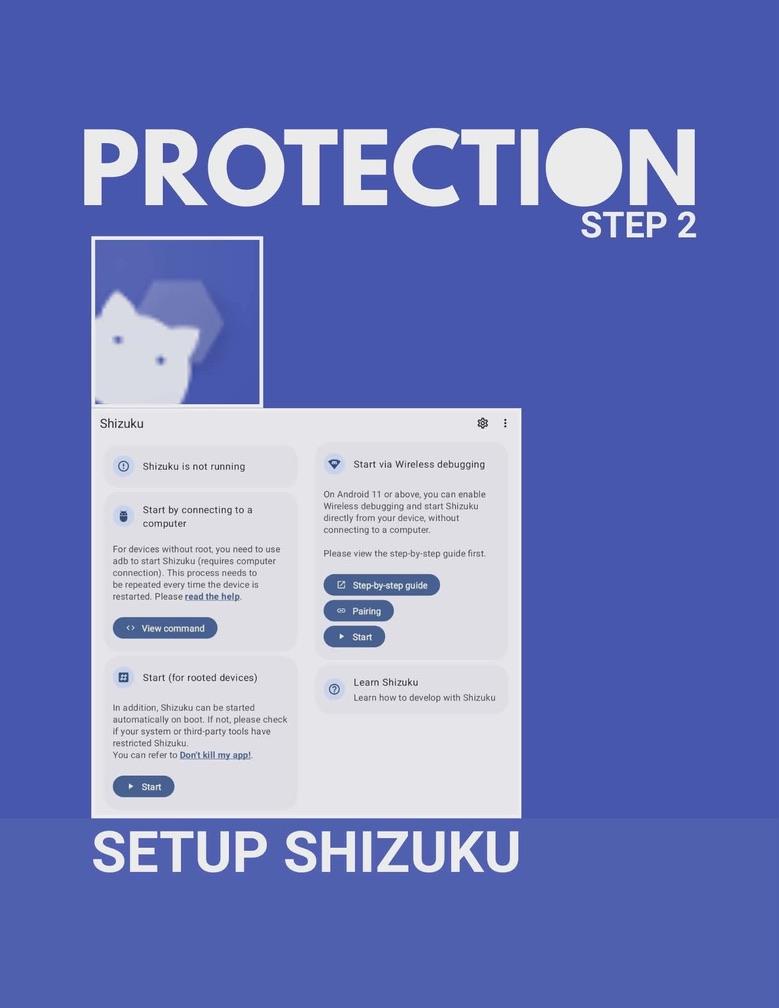 Protection · Step 2
Setup Shizuku
Start Shizuku via Wireless debugging (Android 11+) or by connecting to a computer with ADB.
 Protection · Step 3
Install Firewall Blocks
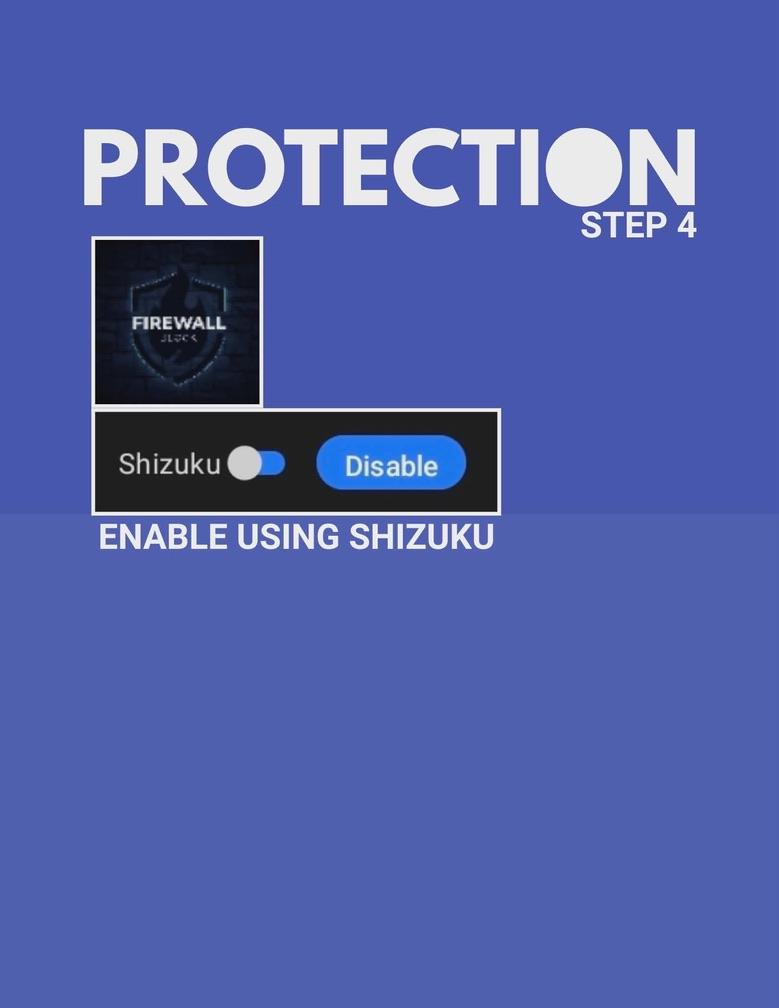 Protection · Step 4
Enable using Shizuku
Toggle Shizuku on for the firewall app.